⌂ / Find Services / Senior Computer Training Services
Senior Computer Training Services

Senior Computer
Training Services

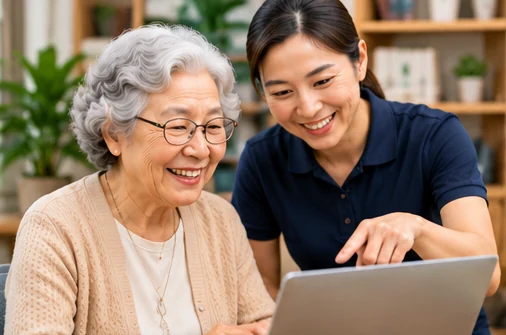
Friendly, step-by-step technology training for older adults to build confidence, stay connected and enjoy a more independent life.

  • Learn at your own pace
  • Patient, senior-friendly support
  • In-home, online or in-person training
  • Practical skills for everyday life

▦ Book a Computer Training Session

Tell us your needs and we will connect you with a trusted, patient computer trainer in your area. Availability and pricing will be confirmed.

1. Training2. Schedule3. Contact
Training Type (select all that apply) *

🔒 Your information is handled privately. Booking is not confirmed until accepted.

Computer Basics
Internet & Email
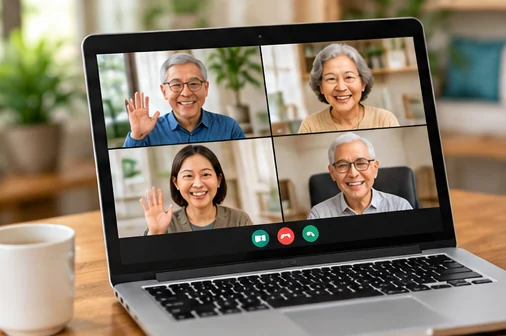
Video Calls
Online Safety
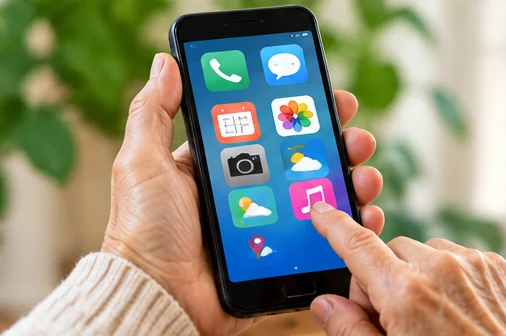
Smartphone & Tablet
Everyday Digital Skills

Popular Training Programs for Seniors

Practical, easy-to-follow training to help you get more from your devices and the internet.

Computer Essentials

Get comfortable using a computer for everyday tasks.

Email & Communication

Send emails, manage contacts and stay in touch with family and friends.

Video Calls & Connection

Use Zoom, FaceTime and other video tools to see and talk with loved ones.

Smartphone & Tablet

Learn to use your smartphone or tablet with confidence.

Online Safety & Privacy

Stay safe online, avoid scams and protect your personal information.

Everyday Online Tasks

Shop, bank, book appointments and access useful online services.

How It Works

Get computer training support in 4 simple steps.

1. Tell Us Your Needs

Share your goals, the devices you use and the skills you would like to learn.

2. Get Matched

We connect you with a patient trainer in your area.

3. Confirm & Book

Choose a date, time and training format.

4. Learn & Enjoy

Build your skills and gain confidence with technology.

Why Choose ElderNext?

  • Patient and senior-focused trainers
  • Personalized, step-by-step guidance
  • In-home, online or community training options
  • Practical, real-life skills you can use right away
  • Build confidence and stay socially connected
  • Service availability varies by area

What Participants Say

Verified participant feedback will be displayed here when available.

Frequently Asked Questions

Do I need to have my own computer or tablet?

Ask your matched trainer whether equipment is provided or whether you should use your own device.

Can the training be done at my home?

In-home availability depends on local trainers.

How long is a typical training session?

Session length varies by trainer and learning goals.

Can you help with both computers and smartphones?

Yes, depending on the trainer’s expertise and your selected topics.

Is the training suitable for beginners?

Yes. Request beginner-friendly, step-by-step support.

How much does the training cost?

Pricing is confirmed by the provider before booking.

Build Confidence with Technology

Friendly, personalized computer training for seniors—at home, online or in your community.